Why this one is different
Almost every tracker like this hands you a PDF and a link to a Canva template. To change a single word you need a Canva account, you need to learn Canva, and if they change something at their end your template breaks.
This one is a single file. Double-click it, it opens in your browser, and you edit it by clicking on the words. That is the whole learning curve.
What you get
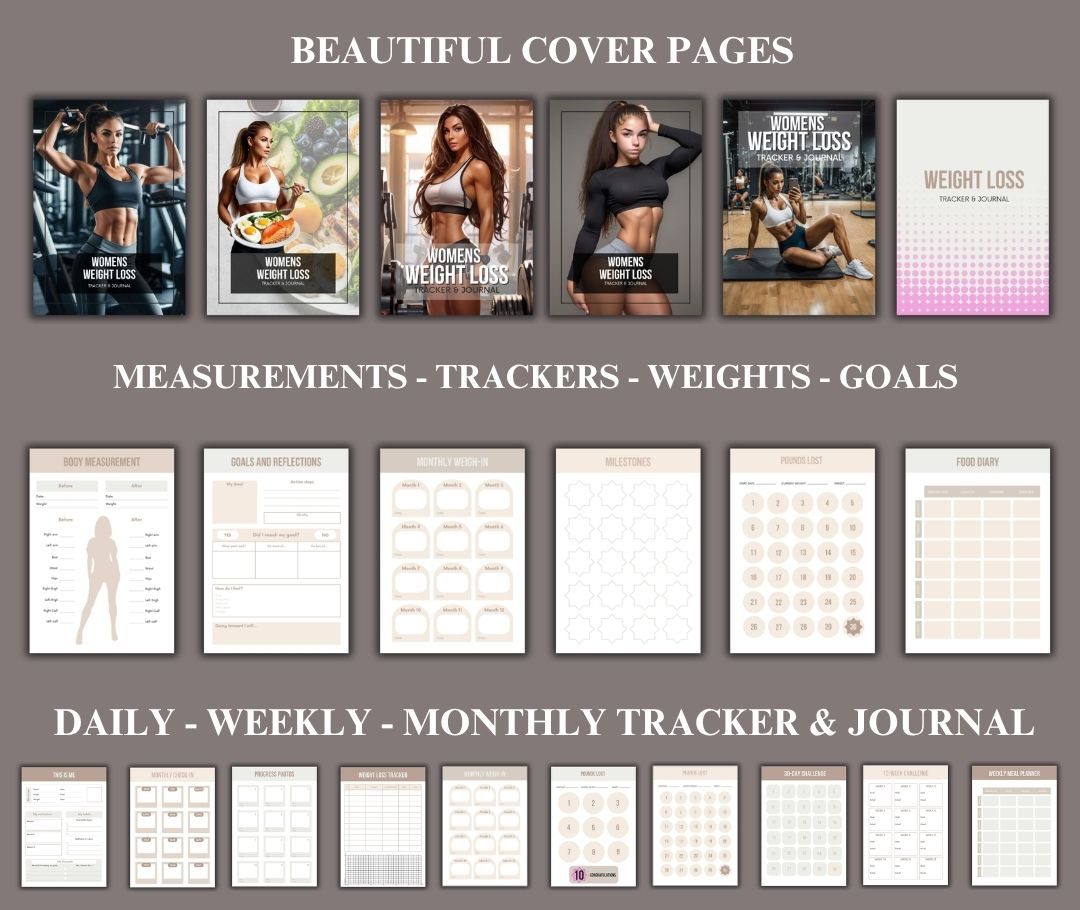
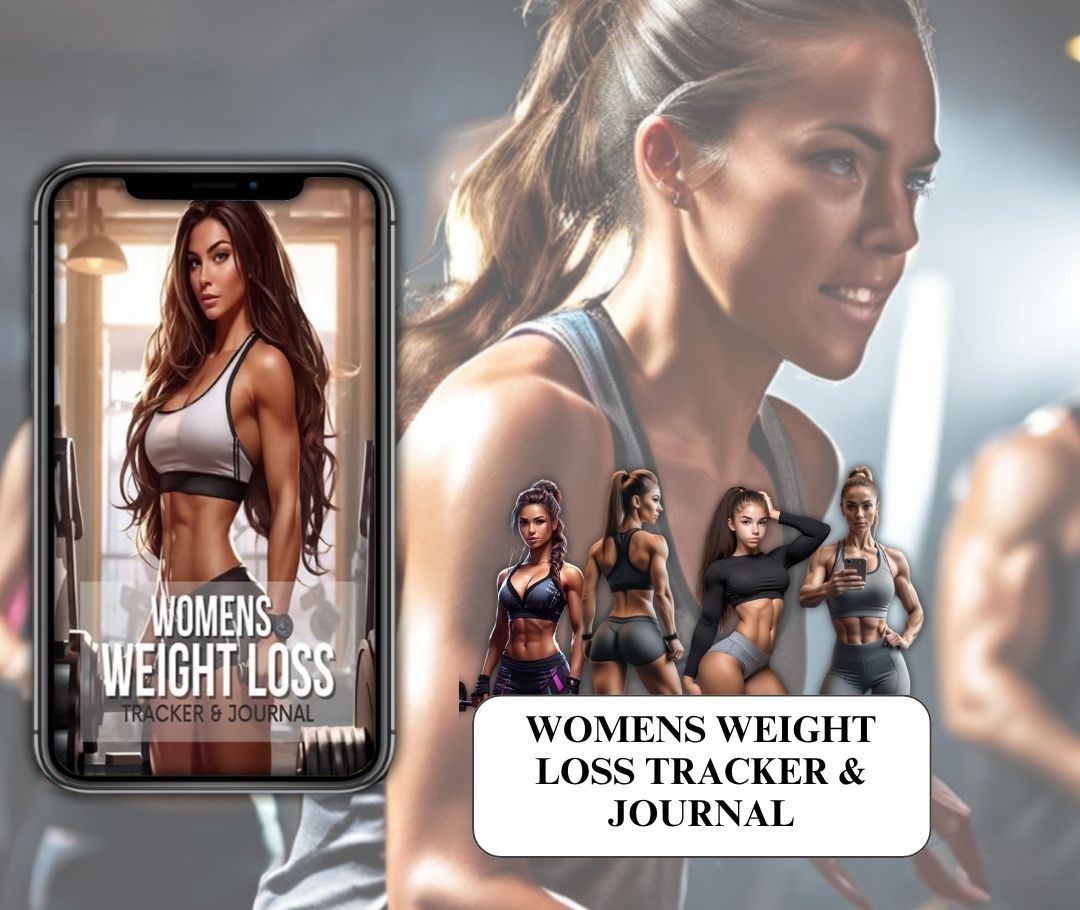
- START-HERE.html - the complete 45-page tracker, fully editable.
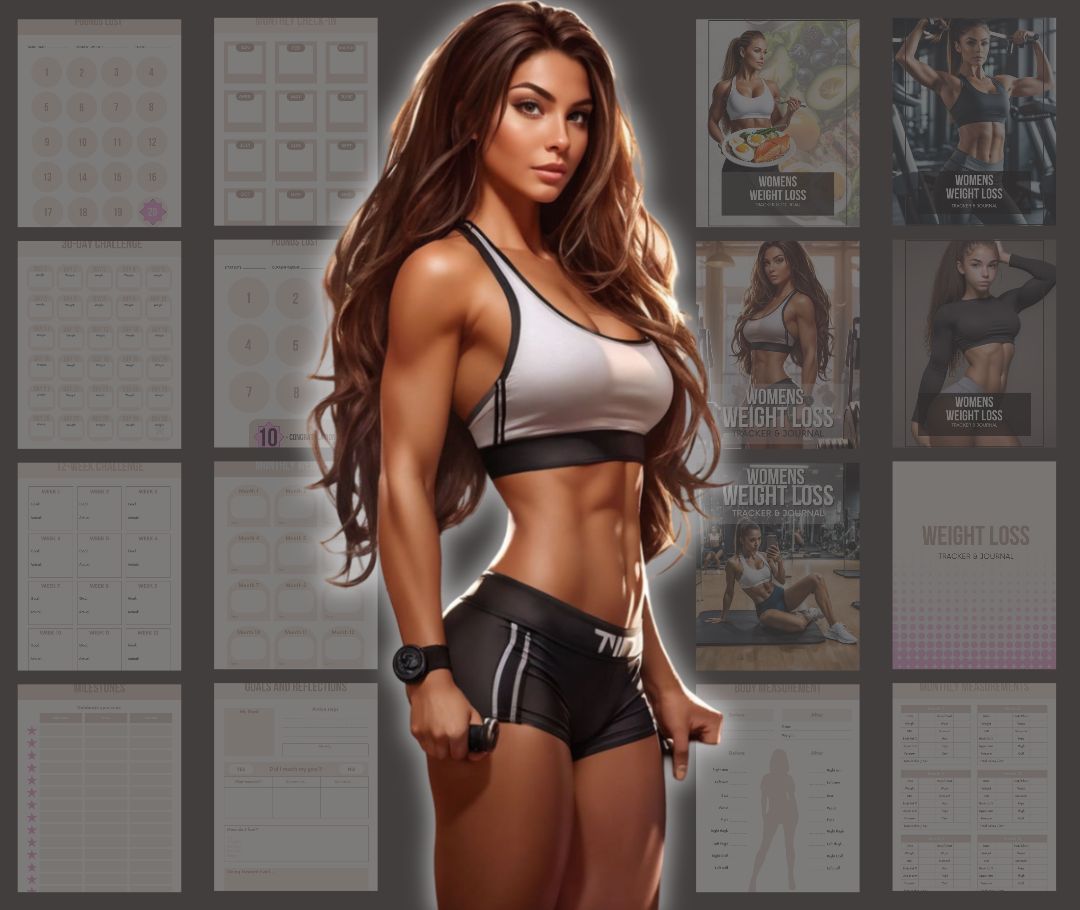
- Body measurements - a before-and-after set, then months 1 to 18.
- Before and after, progress photos and monthly check-ins - somewhere to put the pictures as well as the numbers.
- A full year of weekly check-ins - weeks 1 to 52 across two pages.
- Four Pounds Lost charts - 10, 20, 30 and 50, each one a page you fill in as you go.
- Three challenges - 30-day, 12-week and 52-week.
- Goals, milestones, a workout tracker, a weekly meal planner, a food diary and a shopping list.
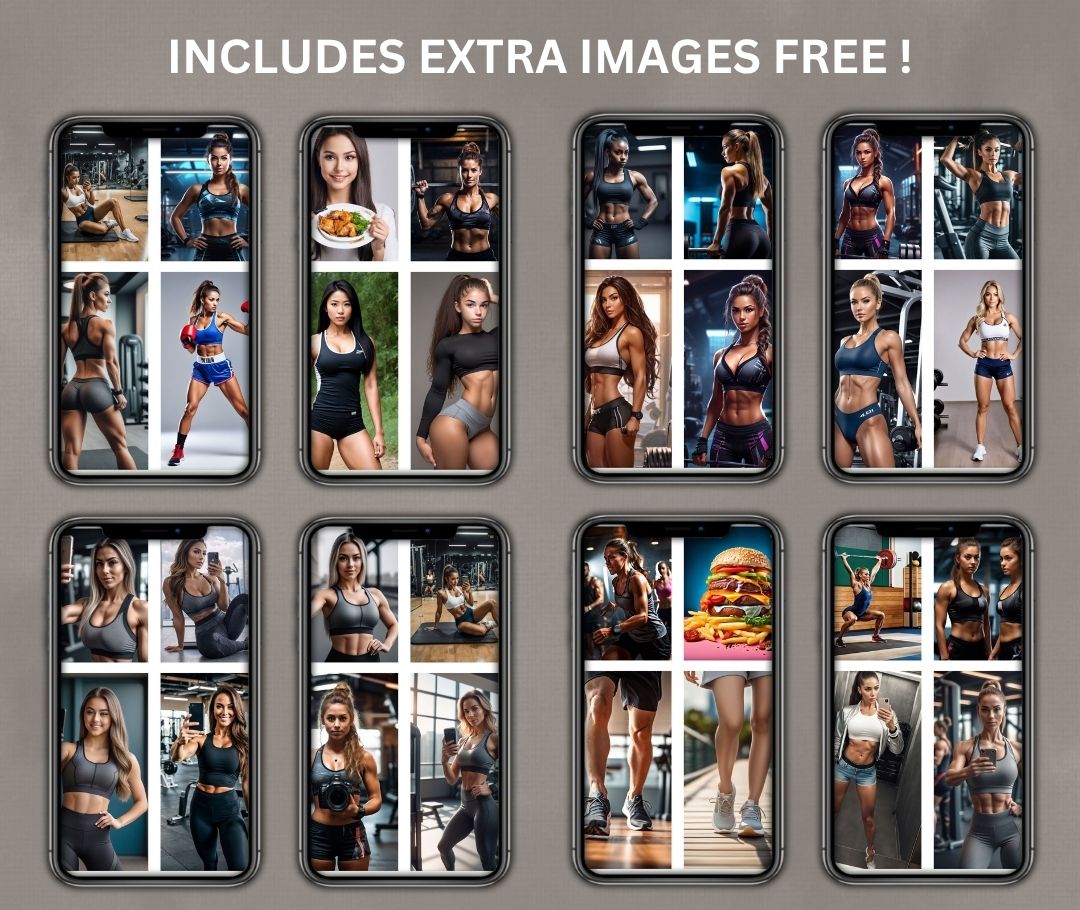
- 30 extra photographs, full size, yours to use anywhere.
- A read-me that explains the lot in plain English.
Two things most trackers leave out
There are two short notes in this one that you will not find in most of them, and they are the reason a lot of women give up in week three:
- Your cycle moves the scales. Several pounds of water in the week before a period is normal, and it is not fat. Compare the same week of each cycle rather than one week to the next.
- If your periods stop or go irregular while you are losing weight, see your GP. It can mean you are eating too little for what you are asking of your body.
They are true, they are useful, and if you rebrand this please leave them in.
Editing it
- Click any words and type over them.
- Change the colour used for headings, panels and lines.
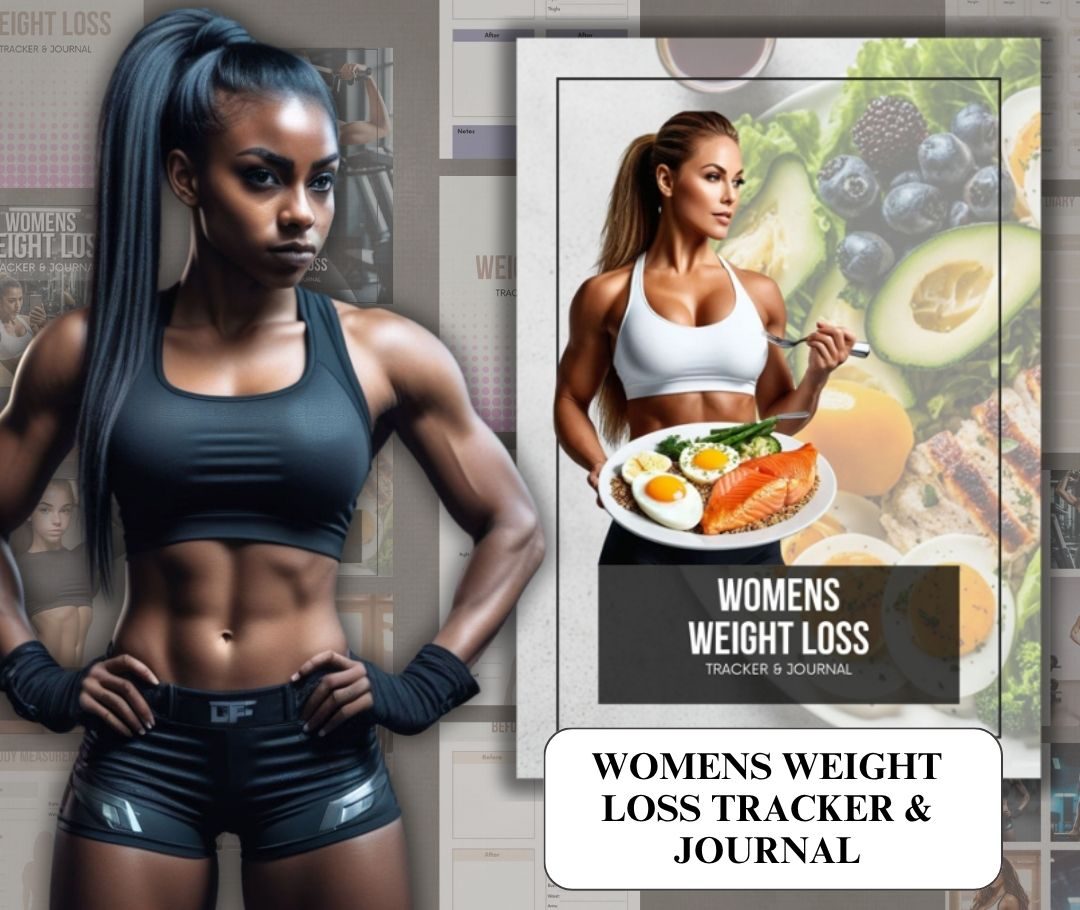
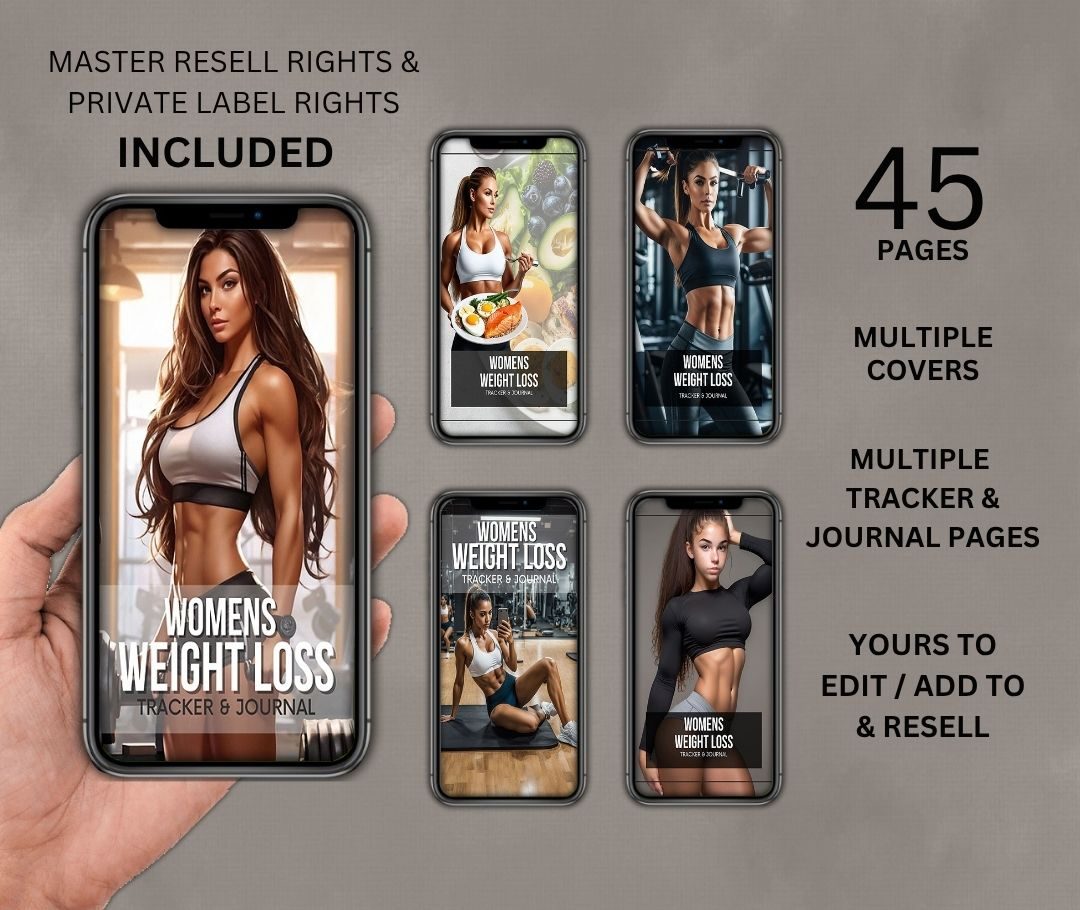
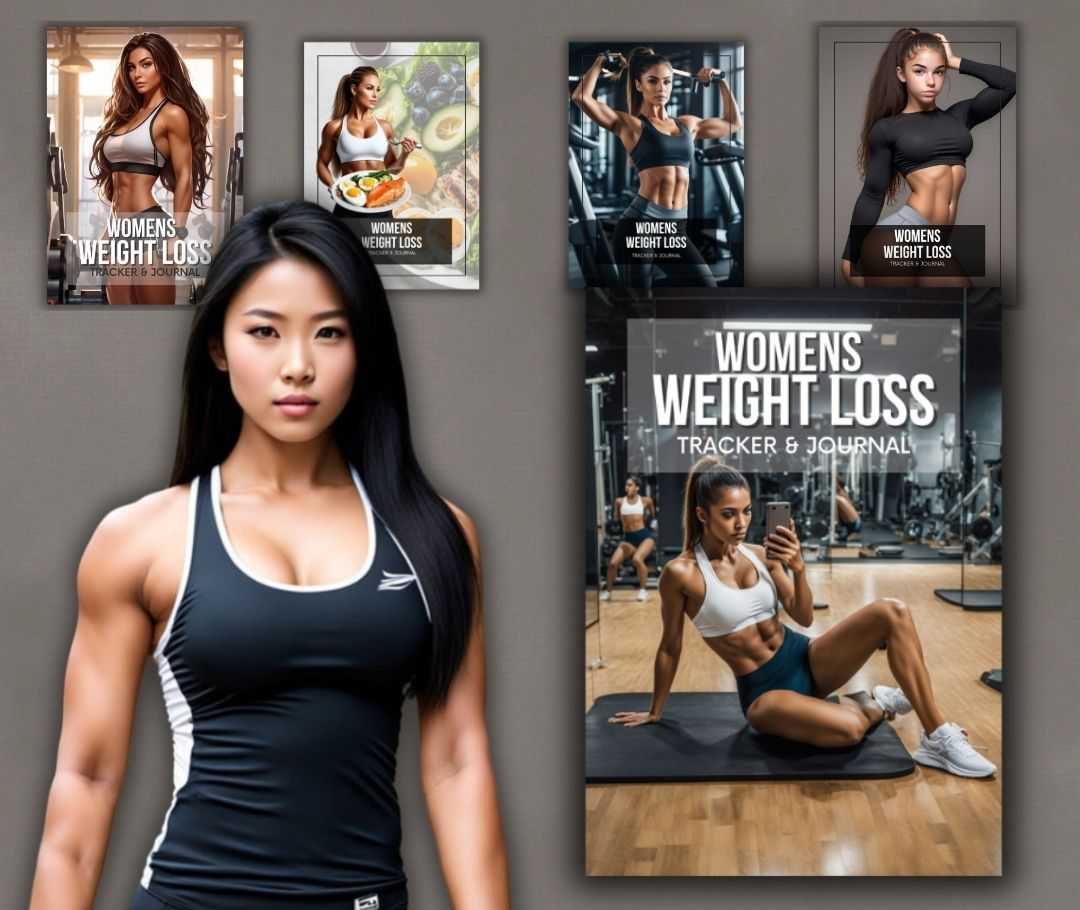
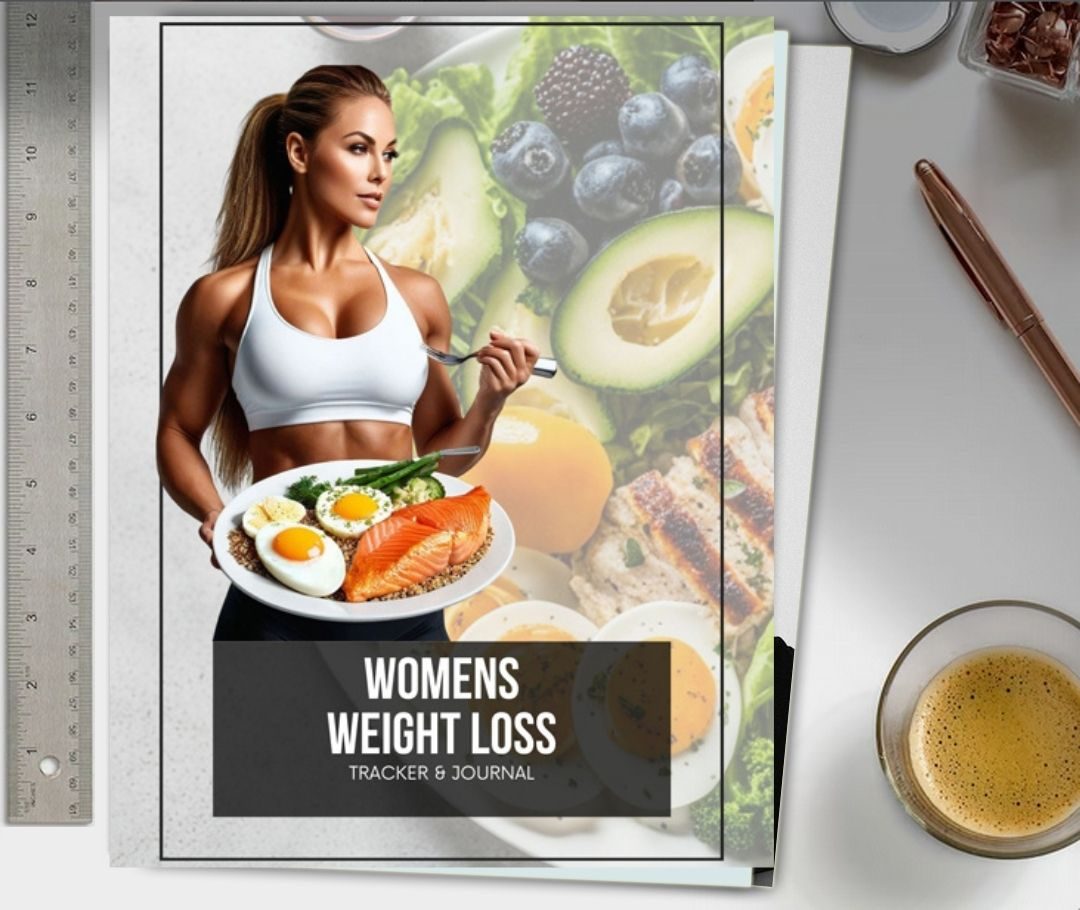
- Five cover photographs to pick from, or use one of your own.
- Click any cover photograph to tint it, fade it, turn it full colour, move it or swap it.
- Add your logo, drag it where you want it, set its size.
- Change the background colour of any page - handy for anything you are going to print and write on.
- Save changes keeps your work in the browser; Save changes to file writes you a copy that is still fully editable; Print / Save as PDF gives you the finished article.
What you may do with it
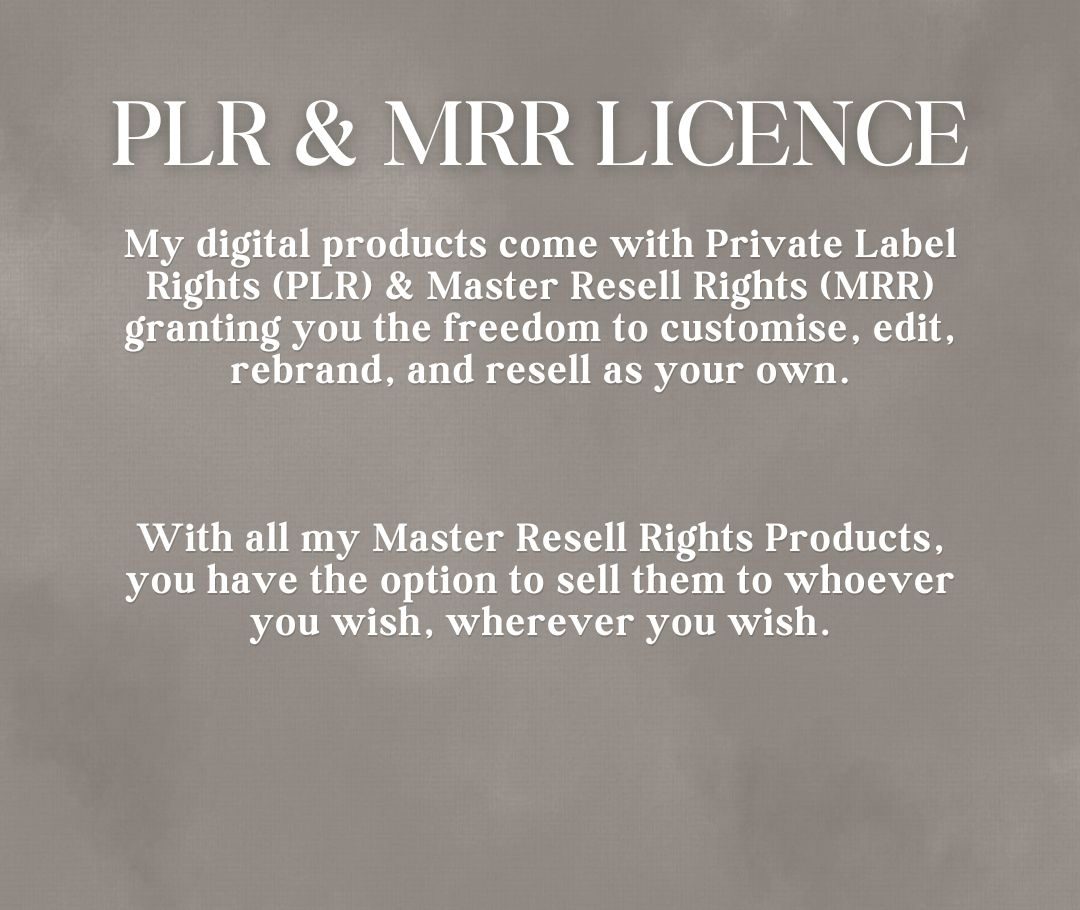
- Use it yourself.
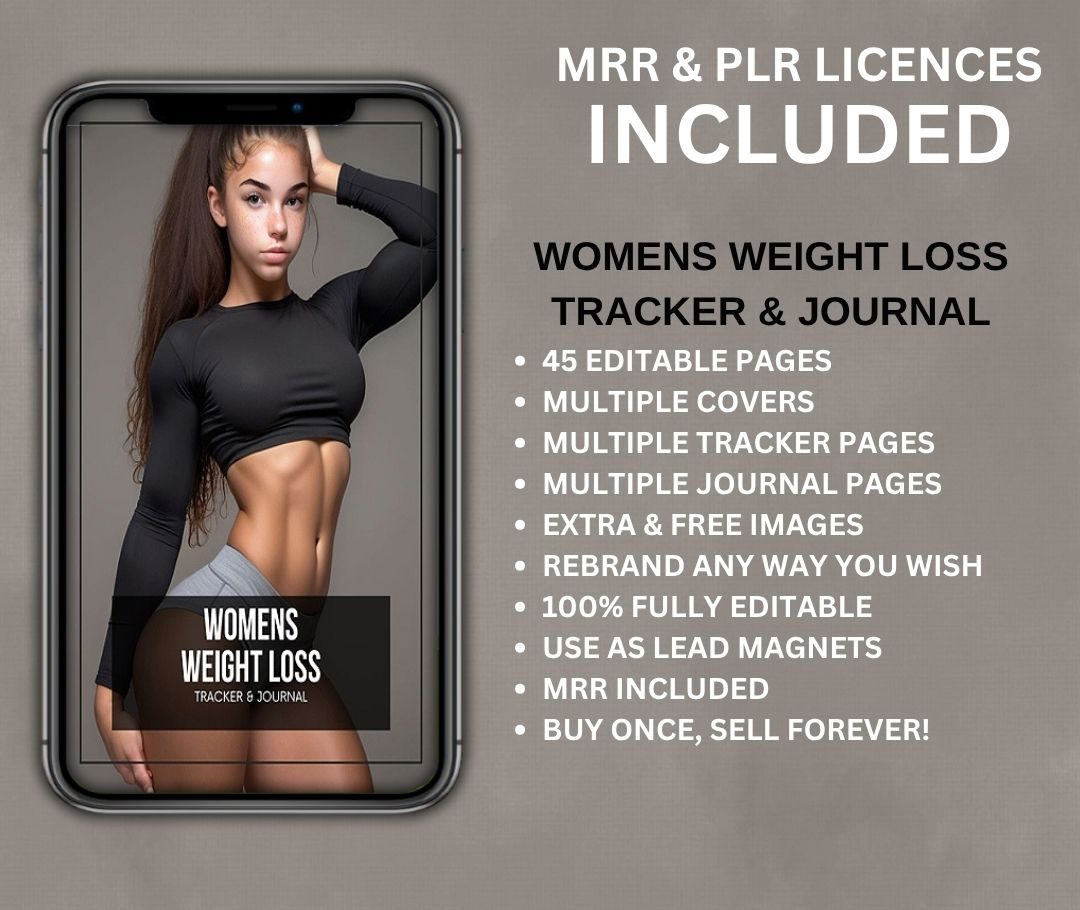
- Rebrand it - your name, your logo, your colours, your words.
- Sell it and keep 100% of what you make.
- Pass the resell rights on to your buyers.
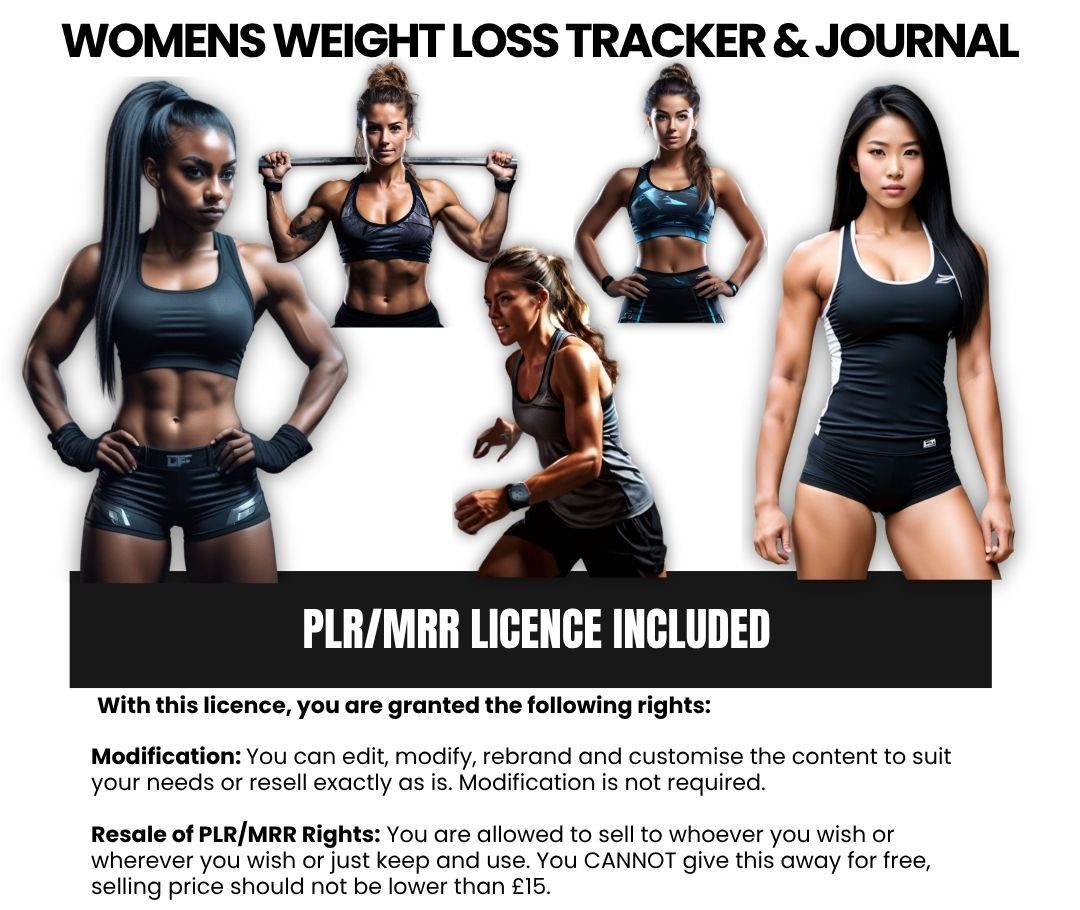
- Please do not give it away free, and do not sell it below £15.
Being straight with you
- It is a web page, not an app. It opens in Chrome, Edge, Firefox or Safari. There is nothing to install and nothing that can expire.
- "Save changes" lives in your browser on that computer. When you have finished a session, use "Save changes to file" so you have a copy you own.
- This is a weight-loss journal. It carries two plain health notes and you should keep them in - whatever you change, it goes out under your name.
- No Canva is needed at any point. If you happen to use Canva for other things, that is entirely up to you.