Why this one is different
Almost every planner like this hands you a PDF and a link to a Canva template. To change a single word you need a Canva account, you need to learn Canva, and if they change something at their end your template breaks.
This one is a single file. Double-click it, it opens in your browser, and you edit it by clicking on the words & images. That is the whole learning curve. This uses our fully custom editor which is included in the file.
What you get
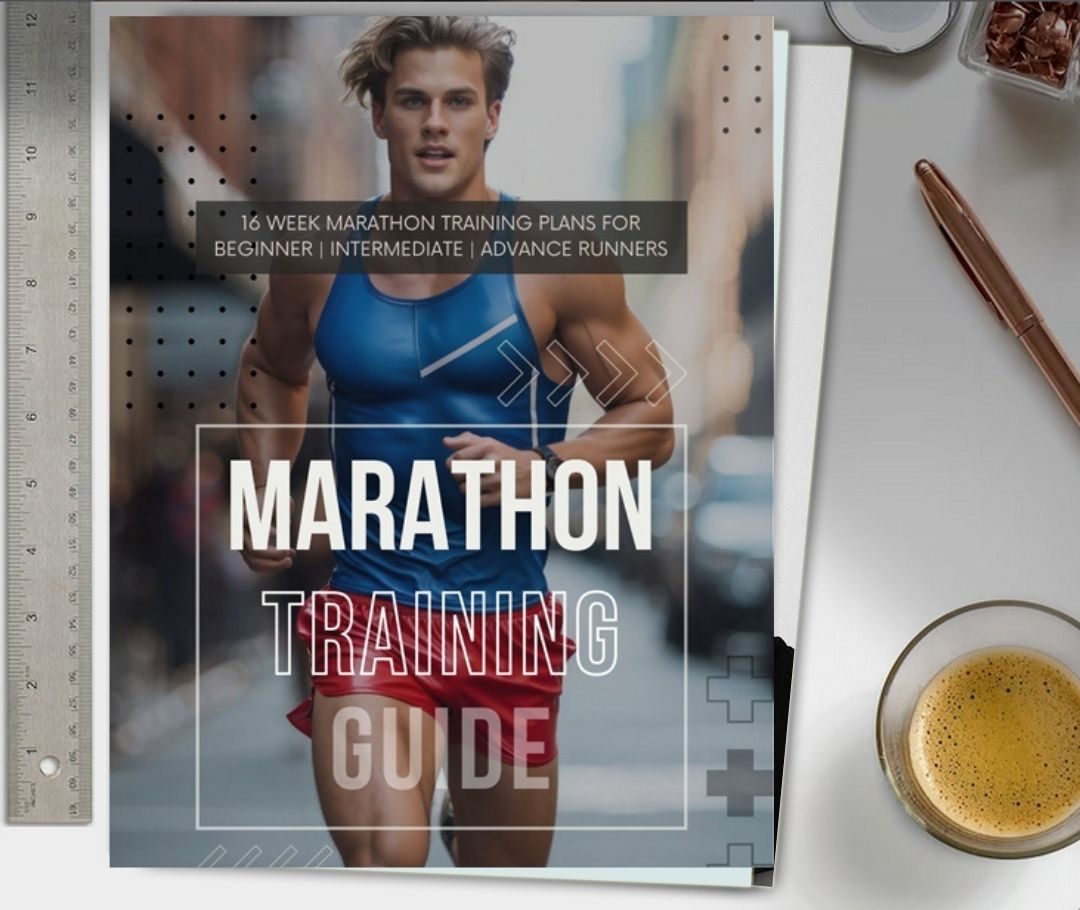
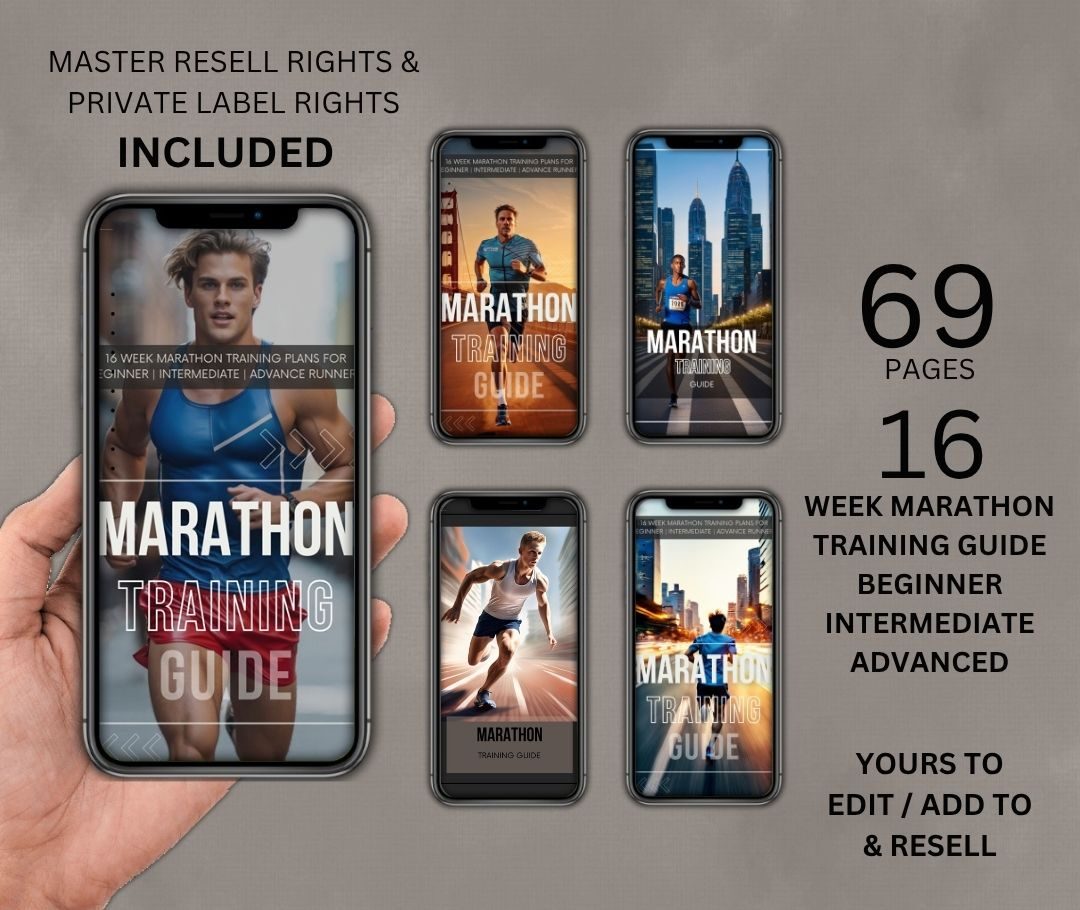
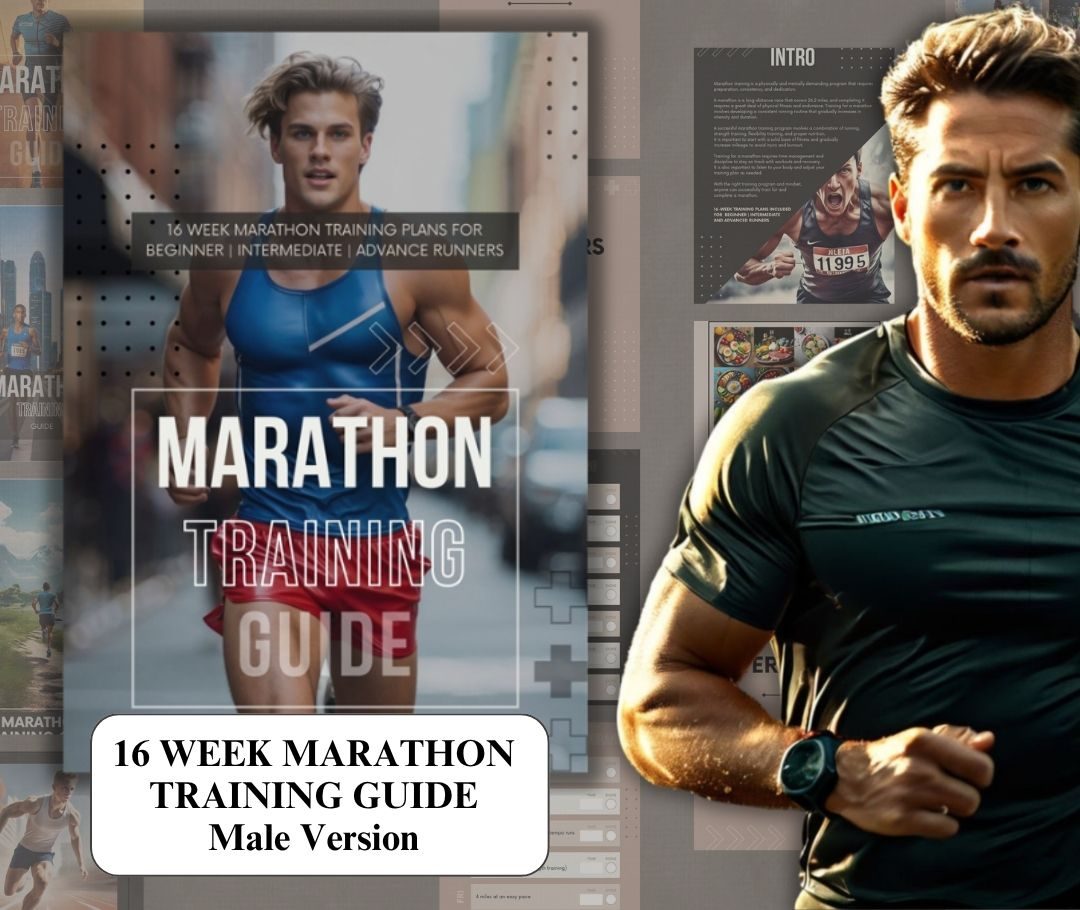
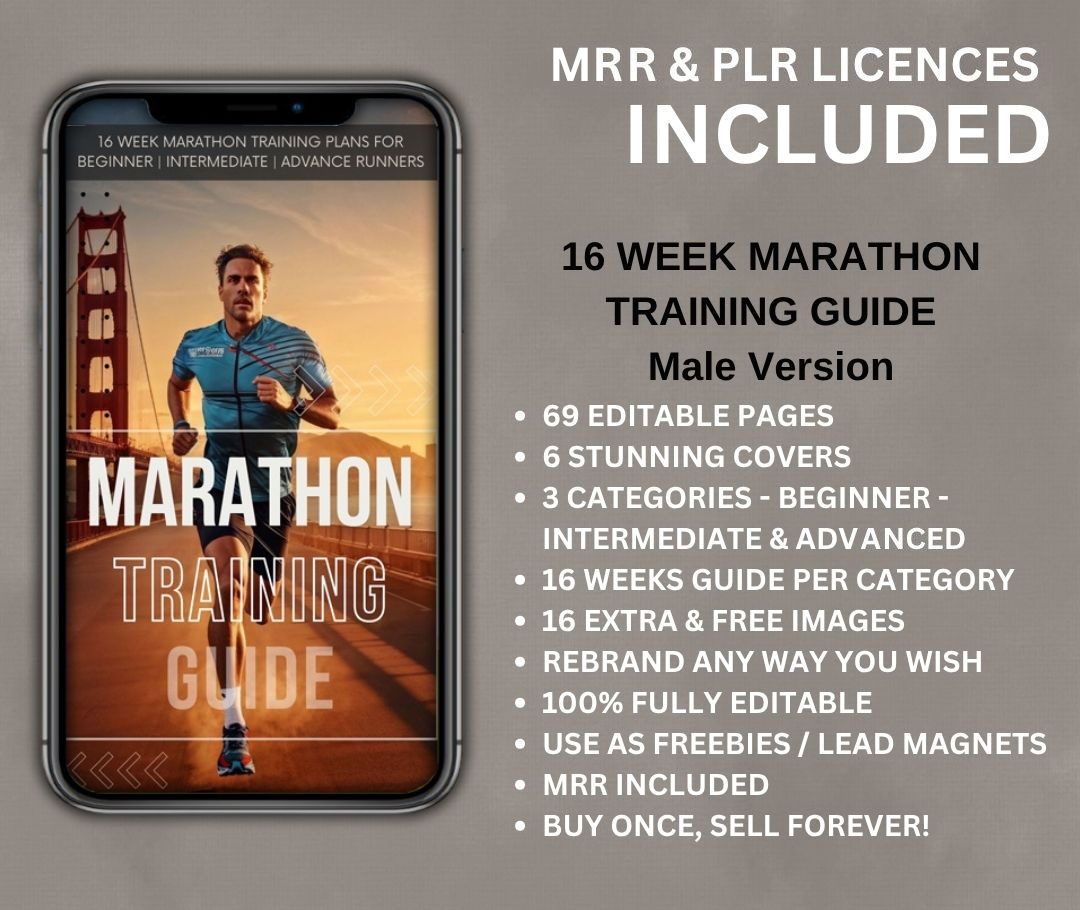
- START-HERE.html - the complete 69-page guide, fully editable.
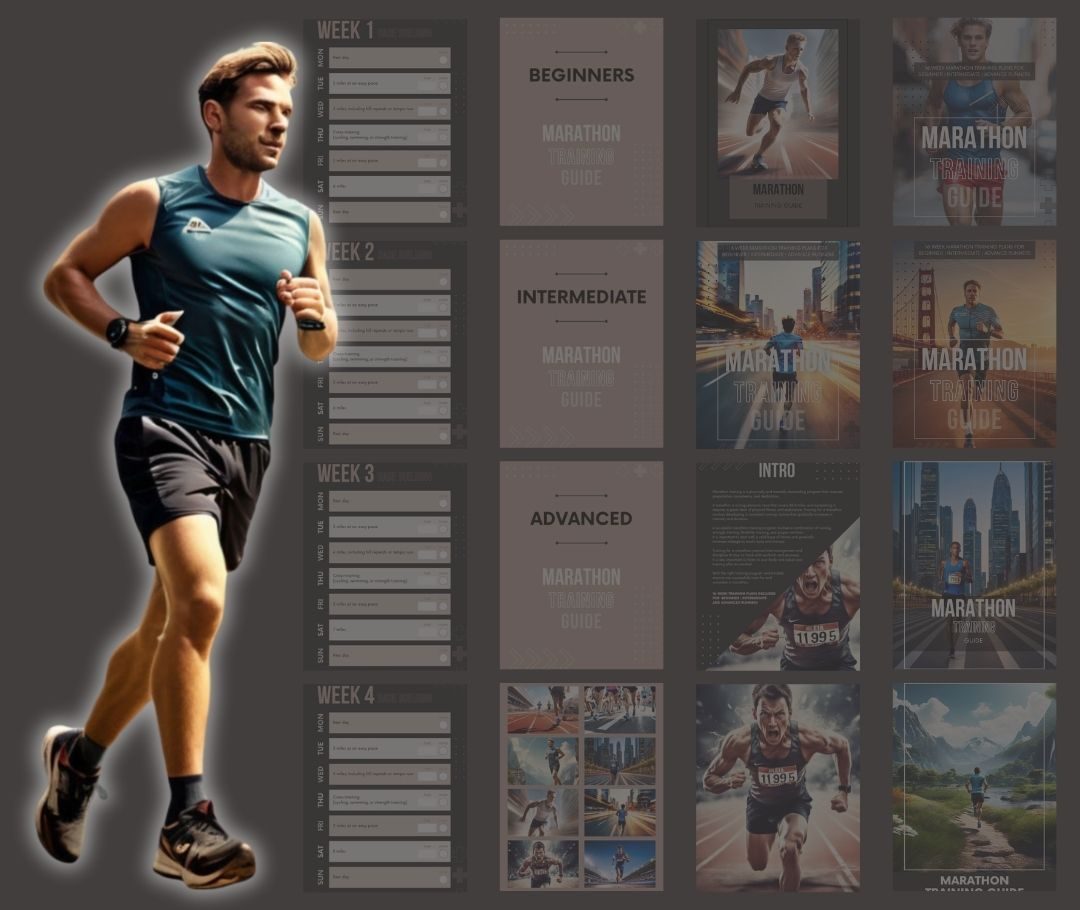
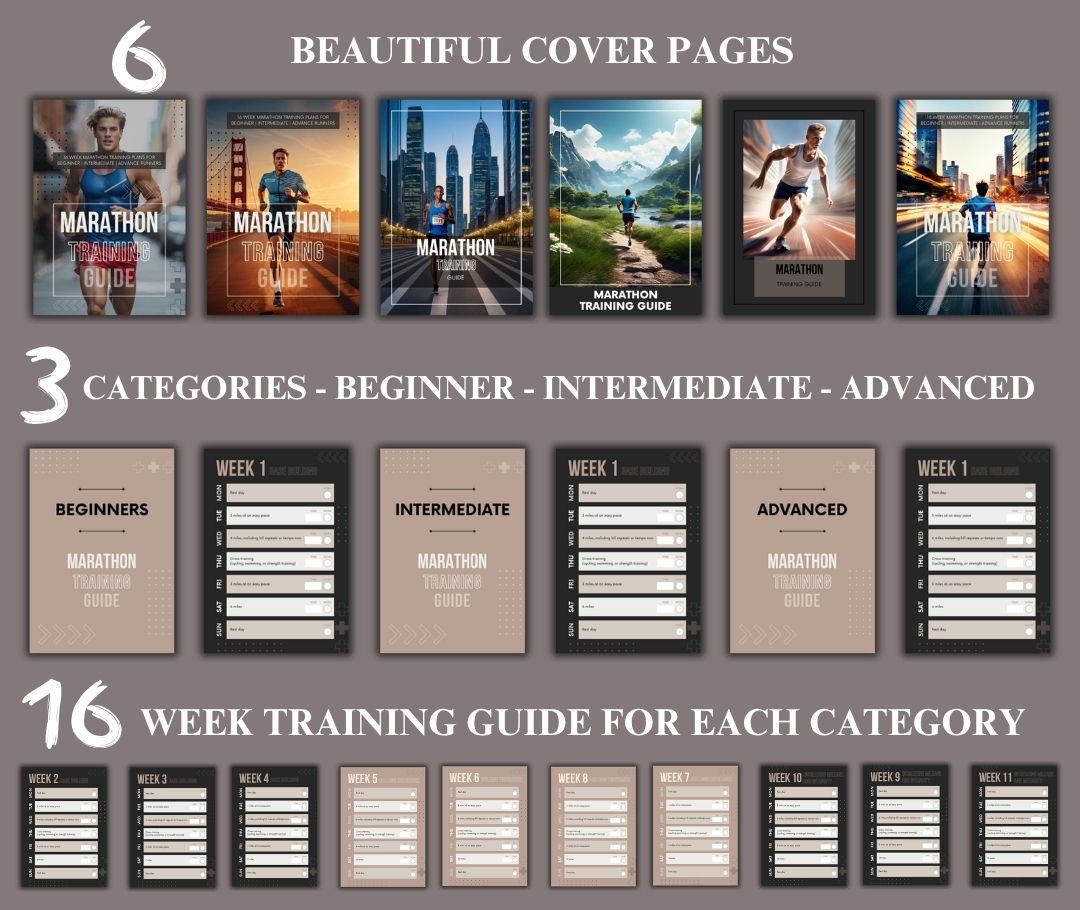
- Three 16-week training plans - beginner, intermediate and advanced, with a page per week to tick off, a box for your time and a box for done.
- Eleven written chapters, including the ones that decide whether somebody finishes: what "easy pace" really means, what to do when you miss a week, how to tell soreness from an injury, shoes, fuelling, strength work for runners, the taper, and race morning.
- A training log to print and write on.
- 16 extra images, full size, yours to use anywhere.
- A read-me that explains the lot in plain English.
Editing it
- Click any words and type over them.
- Change the colour used for headings and lines.
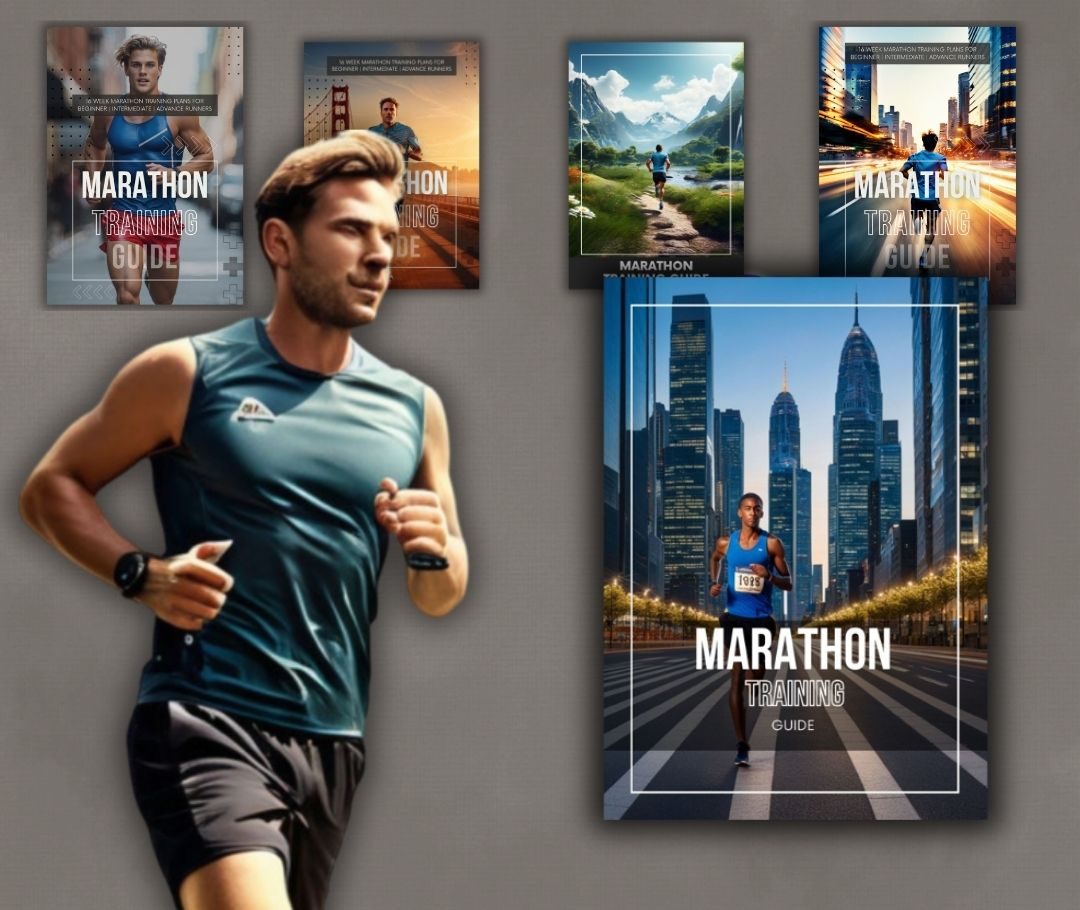
- Six cover photographs to pick from, or use one of your own.
- Click any full-page photograph to tint it, fade it, turn it full colour or swap it.
- Add your logo, drag it where you want it, set its size.
- Change the background colour of any page - handy for anything you are going to print and write on.
- Save changes keeps your work in the browser; Save changes to file writes you a copy that is still fully editable; Print / Save as PDF gives you the finished article to use or resell.
What you may do with it
- Use it yourself.
- Rebrand it - your name, your logo, your colours, your words.
- Sell it and keep 100% of what you make.
- Pass the resell rights on to your buyers.
Being straight with you
- It is a web page, not an app. It opens in Chrome, Edge, Firefox or Safari. There is nothing to install and nothing that can expire.
- "Save changes" lives in your browser on that computer. When you have finished a session, use "Save changes to file" so you have a copy you own.
- This is a training plan, and health advice. It carries a plain health warning and you should keep it in - whatever you change, it goes out under your name.
- No Canva is needed at any point. If you happen to use Canva for other things, that is entirely up to you.