
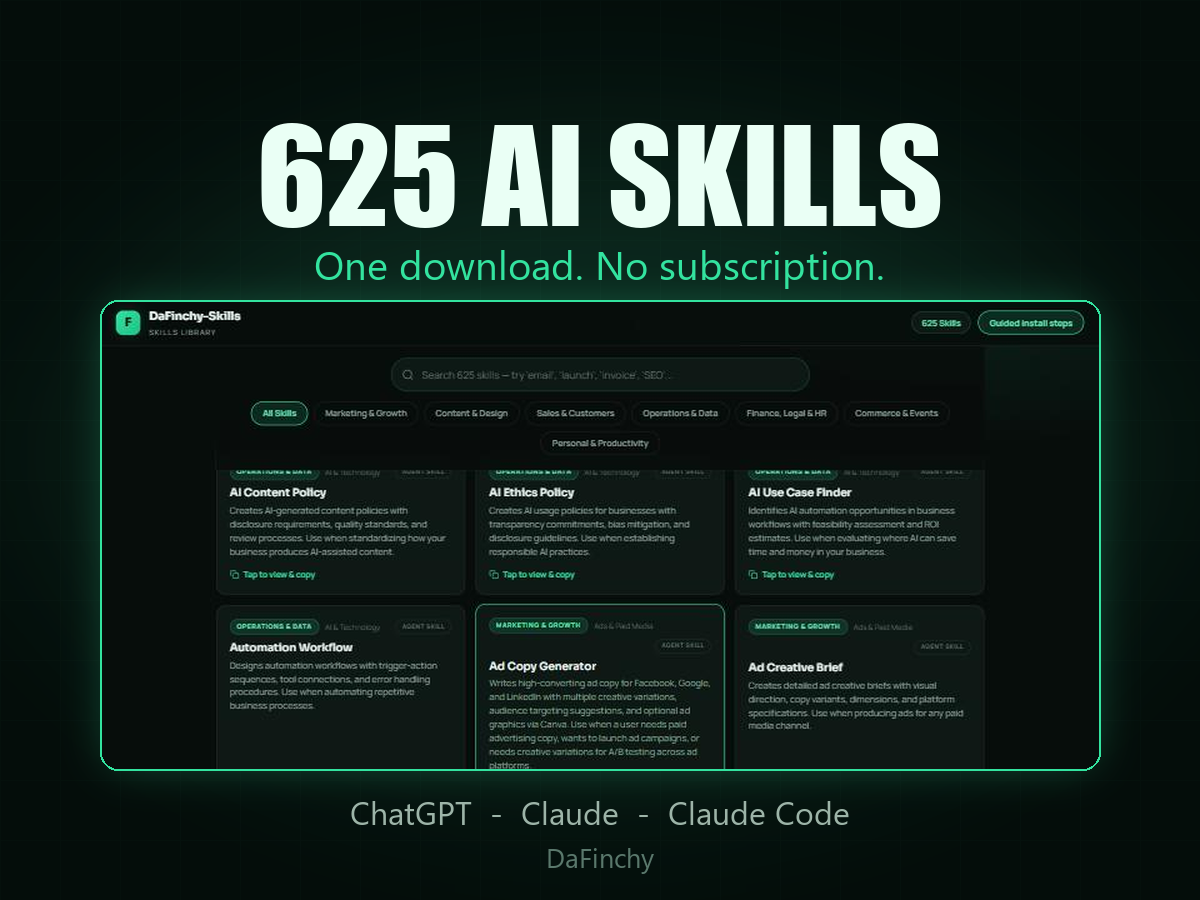
Hand the whole lot to your AI once, then just ask for what you want in plain English — it picks the right skill for the job. You never learn a single skill name.
A single download holding every one of the 625 skills, in two forms — because different people work in different ways.
A set of instructions you hand your AI once, so it stops guessing. Instead of typing “write me a product description” and getting something bland, you give it the Product Description Writer — and it asks you the right questions, works in a sensible order, and hands back something you would actually publish. Same AI. Completely different answer.
This is the bit that matters, and it takes about five minutes to set up.
For example:
You do not pick the skill — the AI does. No file paths to hunt for, no skill names to learn, no working out which one fits. That is the job it should be doing for you, and it is why having 625 of them is a good thing rather than an overwhelming one.
An AI to run these in — and ideally the desktop app rather than a browser tab. The desktop versions can work with files on your own computer, which is what makes the folder method above so quick. The browser versions are the limited ones.
Both are free to install and you sign in with the account you already have. Nothing here needs a paid plan to try.
625 skills across 22 categories: content and copywriting, email marketing, social media, sales and funnels, operations, legal and compliance, HR, finance and pricing, launches, e-commerce, events, branding, analytics, ads, courses, SEO, client work, web and performance, and a few odds and ends.
You can read every single one by name before you spend a penny — see the whole list here. No mystery box.
If you would rather see them working first, take five free — real skills out of this library, not cut-down samples, with the same setup written out step by step. If they earn their keep, come back.
The library is built into DaFinchy Leo as well — say “Hey Leo, use the product description skill” and he works as it, hands-free.